
Book pickups and track your orders from your phone's home screen — free, no app store needed.
On iPhone
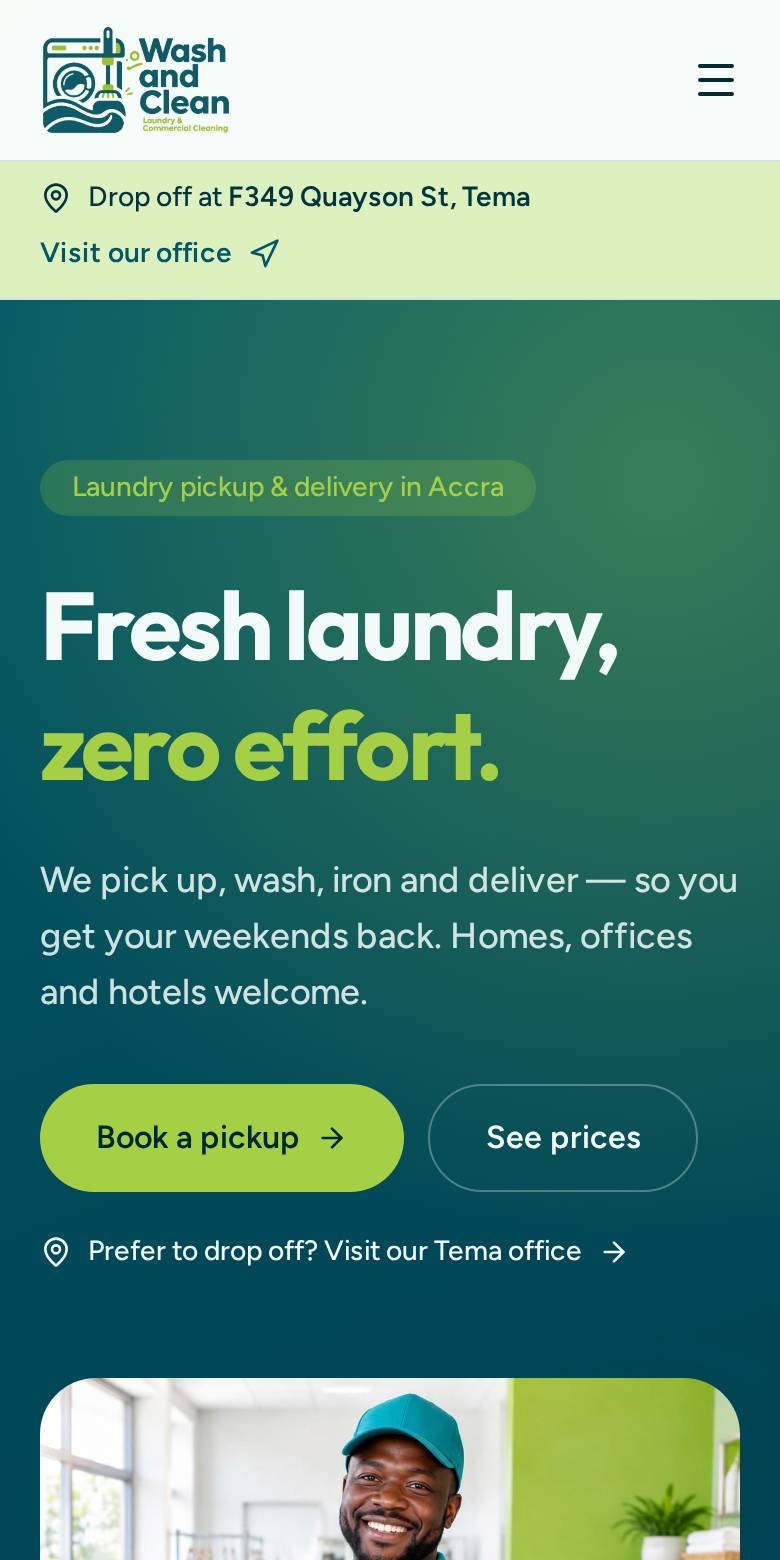
1. Open in Safari
Go to washandcleangh.com in Safari (not Chrome or Instagram's browser).
2. Tap Share
Tap the Share button (square with an arrow) at the bottom of the screen.
3. Add to Home Screen
Scroll down, tap “Add to Home Screen”, then tap Add. The Wash and Clean icon appears.
On Android
1. Open in Chrome
Go to washandcleangh.com in Google Chrome.
2. Tap the menu
Tap the three dots (⋮) in the top-right corner.
3. Install app
Tap “Install app” or “Add to Home screen”, then confirm. Open it from your home screen.
Once installed
The app opens straight to your dashboard with Home, Orders, Refer, Wallet and Profile tabs. You'll need an internet connection to use it.
Book a pickup